VSTi Plugins
Music, at its essence, is what gives us memories. And the longer a song has existed in our lives, the more memories we have of it.
Are VST and VSTi the same?
Yes and no. VST and VSTi belong to the same technology family (Virtual Studio Technology), but they refer to two different types of plugins within that family. They both fall under Virtual Studio Technology (developed by Steinberg), but they serve different functions in your digital audio workstation (DAW).
The main difference:
VST (Effects): This often refers to a VST effect plugin (sometimes called VSTfx). These plugins process existing sounds, such as reverbs, compressors, and delays.
VSTi (Instruments): This stands for VST Instrument. These plugins generate sounds based on MIDI data, such as virtual synthesizers, drum machines, and samplers.
In summary:
VSTi is a VST, but not every VST is a VSTi.
VST = Audio processor (effect).
VSTi = Sound generator (instrument).
Both types are loaded into your DAW (such as Ableton, FL Studio, or Cubase) in the same way and used to expand the capabilities of your music production software.
As a music producer, it's important to understand the difference between these two. Therefore, I'll explain the difference between VST and VSTi in detail below.
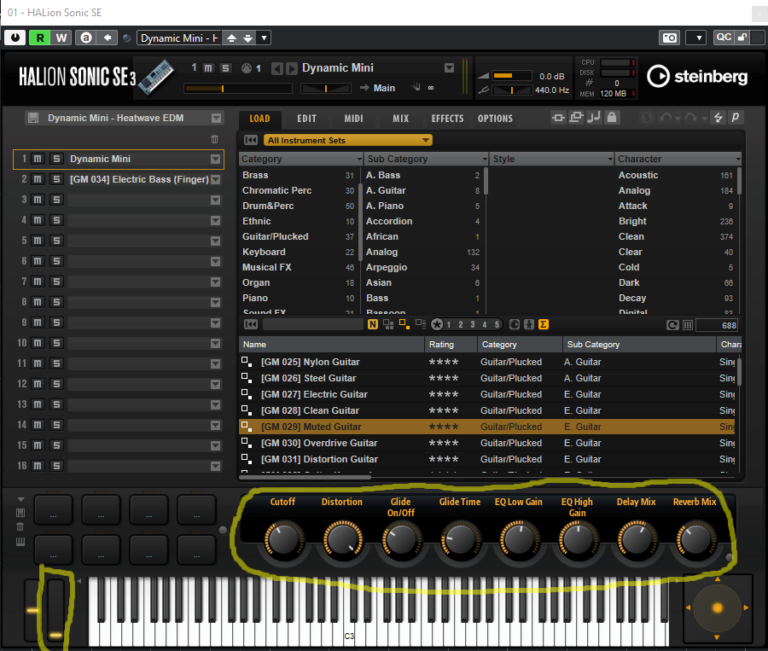
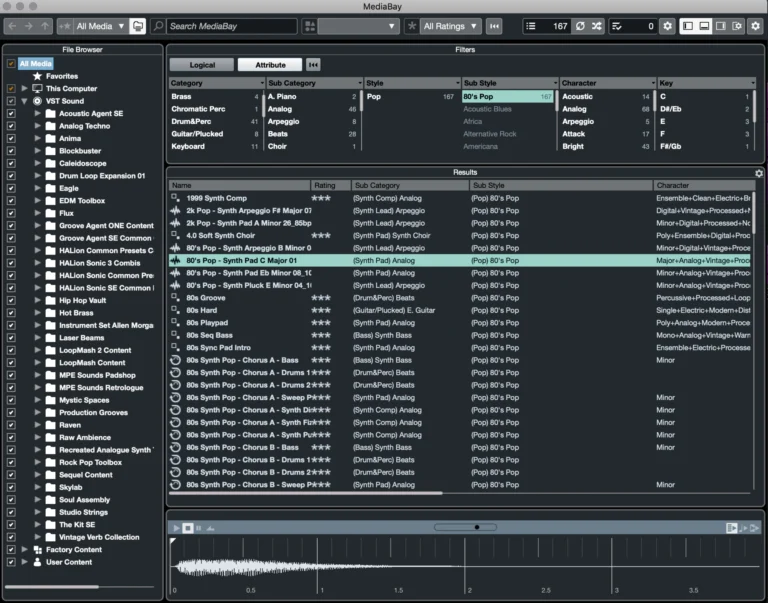
As a music producer, it's important to understand and know the difference between the two.
When you first open your DAW you'll have a range of stock instruments and audio effects to choose from, however, these can be limiting in terms of quality. A VST plugin allows you to integrate third-party audio effects and instruments into your DAW, which can be used to.
Expand your sound palette with additional instruments and effects Save time with pre-configured effect chains and presets Bring a more professional and creative flair to your music. Almost all music producers use VST plugins today.
As technology has progressed, VSTs have become better at emulating hardware devices and are arguably used more often. In our home studios, we solely use VST and VSTi plugins.
Compared to a hardware device, the cost of such plugins is significantly cheaper and their almost equal level of quality makes them an obvious choice.
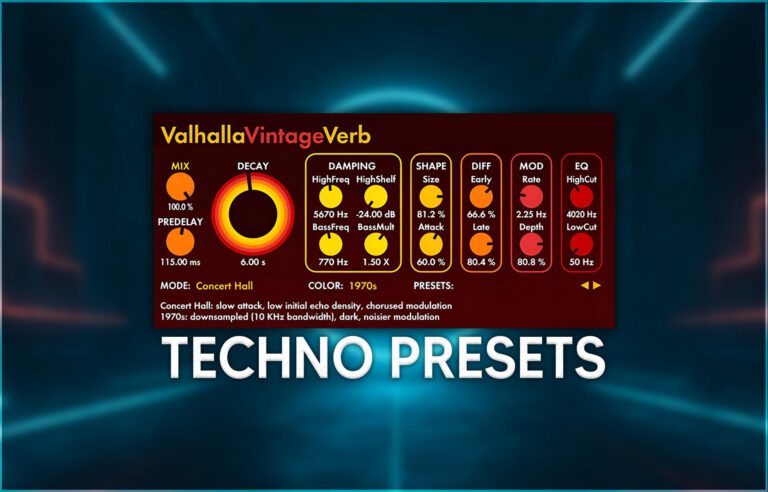
Valhalla Vintage Verb: A VST effect plugin that processes audio.
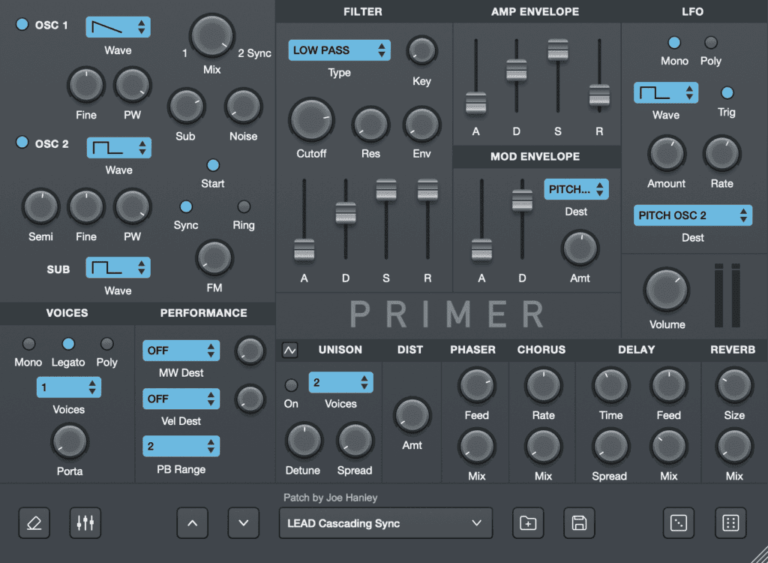
Primer, this synthesizer is a VSTi
What's The Difference Between VST, VST2 & VST3 Plugins?
VST, VST2, and VST3 are all versions of Steinberg's Virtual Studio Technology but with important differences and improvements between each.
VSTs were first on the scene in 1996 and were developed by the music technology company Steinberg, who also make the digital audio workstation, Cubase.
VST allowed you to integrate software versions of hardware audio processors into your digital audio workstation, giving it new audio processing capabilities, providing different compression tools, EQ, reverb and more!
With the turn of 1999 came VST 2.0, which bought us the invention of VSTi plugins (or VST instrument plugins controlled using MIDI).
This upgraded the ability of the original VST effects plugins format, allowing plugins to receive MIDI data and generate audio, which introduced virtual instruments to the world.
Although VST3 has been around since 2008, there is still some confusion about the differences between each software. What's more, with Steinberg officially no longer supporting VST2, and many developers releasing VST3-only versions of their plugins, lots of music producers wonder if they should still be using VST2 software at all?
As mentioned before, VST is the first instance of Virtual Studio technology. Although it was revolutionary and changed music production at the time, it does have some drawbacks.
Some of the limitations of VST were that they couldn't process audio data in 64-bit format, only worked by processing audio and were unable to take an input, and were not very economical when it came to CPU usage.
VST2: introduction of VSTi
VST2 added the ability to input MIDI data and then output the data as audio. Again this took the world of digital music creation to the next level through the introduction of virtual instruments.
One limitation of VST2 however, was the fact that you could only have one mid input/output at the same time. Another was that due to the nature of MIDI controller information, articulation data meant for one note would also affect any simultaneous notes on the same track. This meant that if you wanted to apply a controller message, such as pitch bend, to just one note within a chord, this would not be possible and the modulation would be applied to all notes in the chord.
VST3: 64-bit & many improvements
VST3 improved upon VST and VST2 in numerous ways.
As well as being able to process audio data in 64-bit, VST3 also made CPU usage more efficient by only applying processing to plugins when their inputs are receiving an audio signal, rather than constantly processing plugins and affecting CPU performance.
It also allowed for adaptive inputs/outputs rather than a fixed amount. Although before you had to run multiple instances of a plugin for stereo and surround processing, VST3 can adapt to the channel figuration it's inserted on.
For example, if you insert a plugin onto a stereo channel it will automatically adapt to stereo mode, or switch to 6 channels when inserted onto a 5.1 channel.
VST3 also included the capability for audio inputs on instrument tracks. Let's say you have a synth plugin with a vocoder effect and you want to modulate a separate audio track with that effect. By adding audio inputs to VST instruments, VST3 allows you to route an audio signal to the input of a VST3 instrument and use it for modulation, allowing you to modulate your audio track with the synths vocoder effect.
To tackle the limitations of MIDI controller events, VST3 has a dedicated event handling bus allowing you to go beyond the functionalities of traditional simple MIDI messages. This lets you apply modulation information for individual note events, even in polyphonic arrangements, so applying controller messages like pitch bend to one note in a chord is now possible thanks to VST3.
