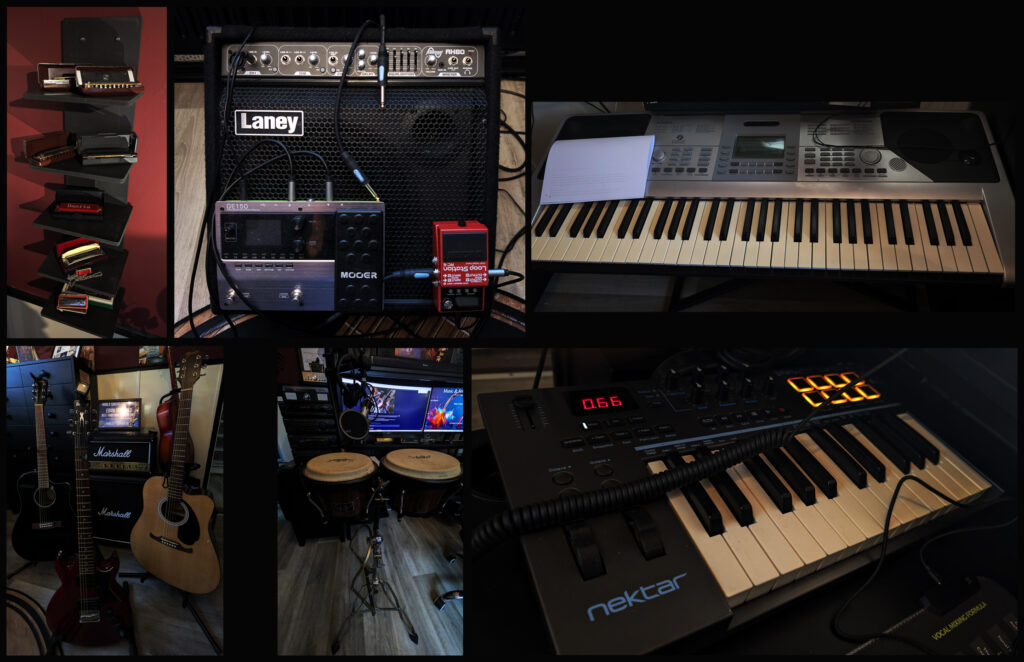
My name is Edwin Schieveld. I’m a certified music producer after two years of study. It started as a hobby. Making music is my passion, and in the past, I played and jammed with friends. I play guitar, Banjo and also play the harmonica. Keyboard learning in progress. I love most of all music and its genres. As a kid I grew up mainly with Traditional Country music and besides that also rock & roll, blues, and pop. Merle Haggard was and still is my favourite Country singer.
I also enjoy reggae, jazz, ambient and Celtic music. Of course I love Disco music. “Back to the Eighties”. Most favourite are The Beegees & Michael Jackson. I can appreciate some good R&B, Trance, EDM, Hip Hop and rap music. At special parties, occasions, and certain concerts, I also enjoy listening to Dutch music. Not to mention to love some classical music and movie music productions. In fact I enjoy all kind of music. For making my own music I use standard loops and/or create my self homemade loops, either using my own instruments or created with FL Studio 21 software. I also use live vocals (Not AI).
Most of what I describe here below comes from my studies as “Music Producer”.
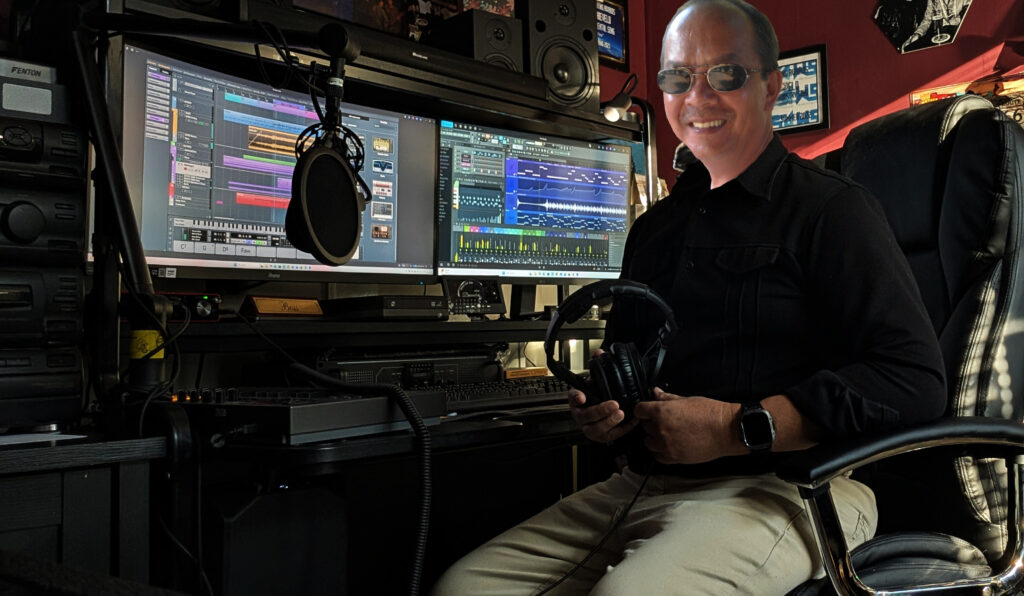
DAW: Digital Audio Workstation.
For making my music I use the following DAWs:
CuBase 15 (most of the time)
FL Studio 21 (regular)
Magix Music Maker ( sometimes)
See for more explanation Cubase, FL Studio & Magix further below.
There are many DAW brands, the best-known and most widely used being Ableton Live, Logic Pro (Mac only), FL Studio, Pro Tools, Cubase, Studio One, Reason, and Bitwig Studio, each with its own specialties for genres such as electronic music (Ableton, FL Studio) or traditional studio recording (Pro Tools, Cubase).
Popular and Professional DAWs
Ableton Live: Very popular for electronic music and live performances.
Logic Pro: Exclusively for Mac users, popular with Mac producers.
FL Studio (Fruity Loops): Excellent for hip-hop and beatmaking.
Pro Tools: The industry standard in many professional studios, especially for recording and post-production.
Cubase: An established name, strong for both composition and recording.
Studio One: Known for its ease of use and efficiency, popular with both beginners and professionals.
Bitwig Studio: Praised for its flexible and innovative workflow.
Reason: Offers a unique virtual rack environment with many built-in effects.
Other well-known brands:
Reaper
Cakewalk by BandLab
Magix (Samplitude/Music Maker)
Waveform (Tracktion)
For my recording I use:
Focusrite Scarlett 2i2 (Steinberg)
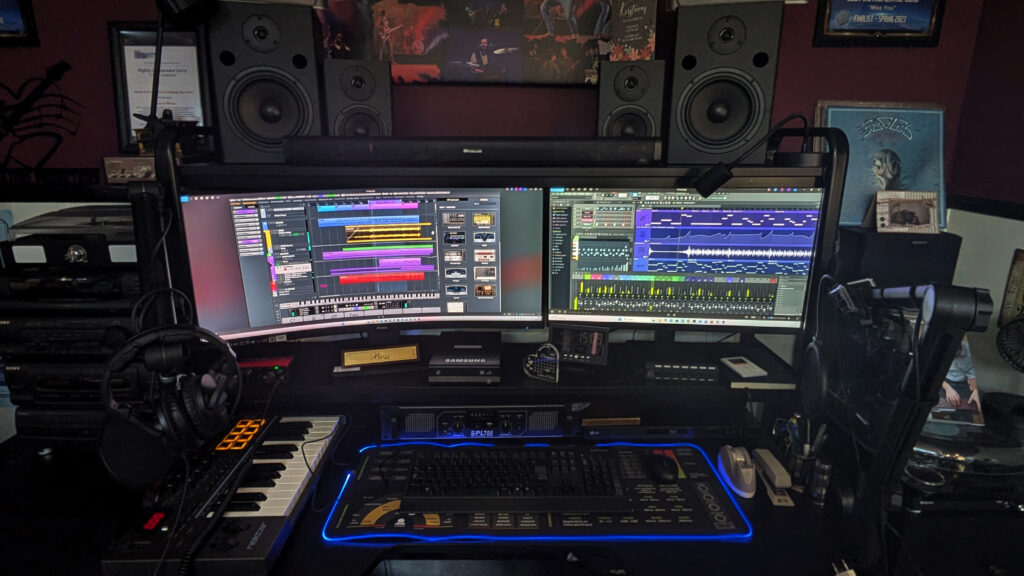
The biggest difference between Cubase and FL Studio lies in their workflows: Cubase has a traditional, linear approach, ideal for recording and mixing, with a steeper learning curve, while FL Studio has a pattern-based, visual workflow that excels in electronic music (EDM, hip-hop) and is easier for beginners.
Cubase is an all-around DAW for live recording, film scores, and more, while FL Studio’s strength lies in loop- and sample-based production and beat creation.
Cubase
Workflow: Linear, traditional, excellent for recording and editing live audio, vocals, and instruments.
Target Audience: Composers, live band recording, film scores, professionals looking for a complete suite.
Interface: Extensive, professional, can be complex at first.
Power: Versatile, powerful mixing and editing tools, the studio standard for many professionals.
FL Studio
Workflow: Pattern-based, visual, flow-based, ideal for rapid idea generation.
Target audience: Electronic music producers (EDM, Hip-Hop), beginners, beatmakers.
Interface: Intuitive, easy to learn, visually appealing.
Strengths: Beat making, loops, MIDI sequencing, excellent for electronic genres, known from major EDM artists.
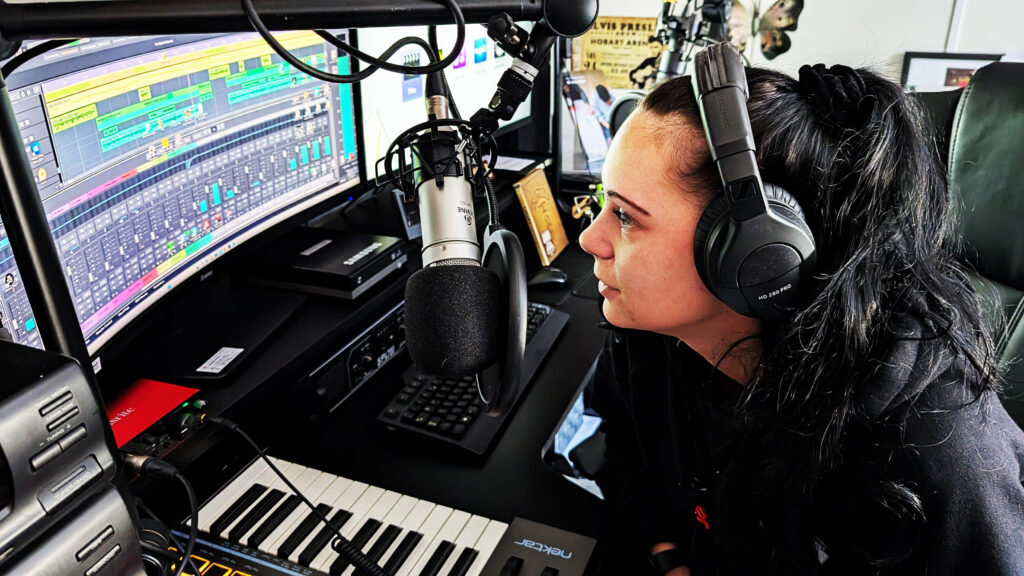
Magix Music Maker is an easy-to-use, loop-based music software ideal for beginners and hobbyists, with an intuitive drag-and-drop interface, many built-in loops, and VST support. However, it’s less powerful than professional DAWs and can sometimes suffer from bugs and a limited mixer, although the “AI Song Maker” is a nice addition.
The software is a good choice for those who want to quickly make a beat without a steep learning curve, with a free basic version to try.
Pros
Beginner-friendly: Very intuitive and easy to use with many tutorials and a drag-and-drop system.
Large Loop Library: Features many pre-made loops and samples to get started right away.
AI Song Maker: A modern feature for quickly generating ideas.
Good Basic Functionality: Supports VST instruments, MIDI, and audio recording.
Integration: Works well with other Magix products such as Video Pro X.
Free Version: You can try the basic version for free.
Cons
Less Power: Not as versatile or in-depth as more expensive, professional music software.
Bugs and Quirks: Some users report bugs, crashes, and odd behavior, especially with older versions.
Mixer Limitations: The mixer and effects application can sometimes feel a bit clunky.
“Lightning” Effect: Older versions were criticized for having too much unnecessary “bonus” software that wasted disk space.
Besides my own instruments, I also use VST extensively.
VST, or Virtual Studio Technology, is a standard for audio plug-ins (virtual instruments and effects) in music software. Its most common meaning in a technological context is Virtual Studio Technology, developed by Steinberg, which allows producers to expand their digital audio workstations (DAWs) with software instruments and effects, such as synths, samplers, and reverbs.
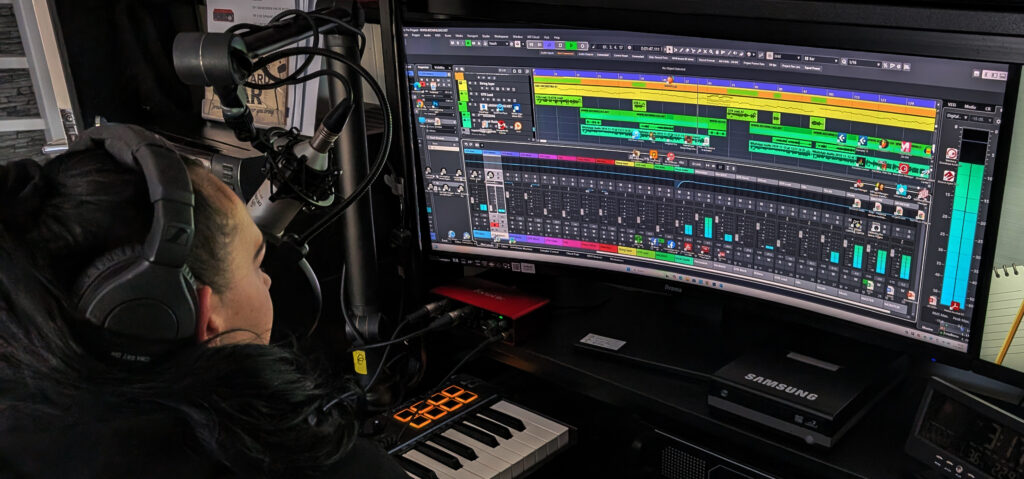
VST (Virtual Studio Technology)
What it is: An interface standard for audio plug-ins, both virtual instruments (VSTi) and effects (VSTfx).
Function: Allows software instruments, synthesizers, drum machines, compressors, and EQs to function within a host program such as Cubase, Ableton Live, or FL Studio.
Versions: There are VST2 and the newer VST3, which will gradually replace VST2, with files ending in .dll (VST2) or .vst3 (VST3).
I often make music myself and create loops with the Boss C50 loop station. I can record this and edit it further on my computer or/and using the many different plugins available.
Music plugins are software extensions for a Digital Audio Workstation (DAW) that add virtual instruments (such as synthesizers, pianos, drums) and effects (such as echo, compressor, EQ), expanding the capabilities of your music software with realistic sounds and professional tools without the need for physical hardware.
They fall into two main categories: Instrument plugins for sound synthesis and Effect plugins for audio editing.
Types of music plugins
Instrument plugins (VSTi): Emulate real instruments or create completely new sounds.
Examples: Virtual pianos, guitars, synthesizers, drum machines, orchestral instruments.
Function: Often use recordings (samples) of real instruments or generate sound digitally.
Effect plugins (VST): Edit the sound of recorded audio or MIDI instruments. Examples: Compressors, equalizers (EQ), reverb, delay (echo), limiters, saturators.
Functionality: Often simulate the functionality of expensive analog studio equipment in software.
Why are they important?
Flexibility: Adds an endless library of sounds and effects to your computer.
Cost savings: Much cheaper than buying physical hardware like synthesizers or effects pedals.
Integration: Works seamlessly with your DAW (such as Ableton Live, Logic Pro, FL Studio).
Creativity: Enables the creation of complex soundscapes that would otherwise be impossible.
Lyrics
I write my own lyrics, and they are always based on events or experiences of myself or others. Lyrics are the words of a song that are sung, often including its poetic or narrative content. They refer to the text that expresses the content, emotion, and story of a songd used in many different genres of music.
Lyrics include:
The words: The actual sentences and phrases sung.
The story: The details, events, and images that the lyrics describe.
Emotion: The feelings the lyrics convey.
Structure: Often divided into verses, choruses, bridges, etc.
What are the most important lyrics in a song?
Lyrically, the verse contains the details of the song: the story, the events, the images, and the emotions the writer wants to express. Each verse has different lyrics. A verse primarily serves to support the chorus.
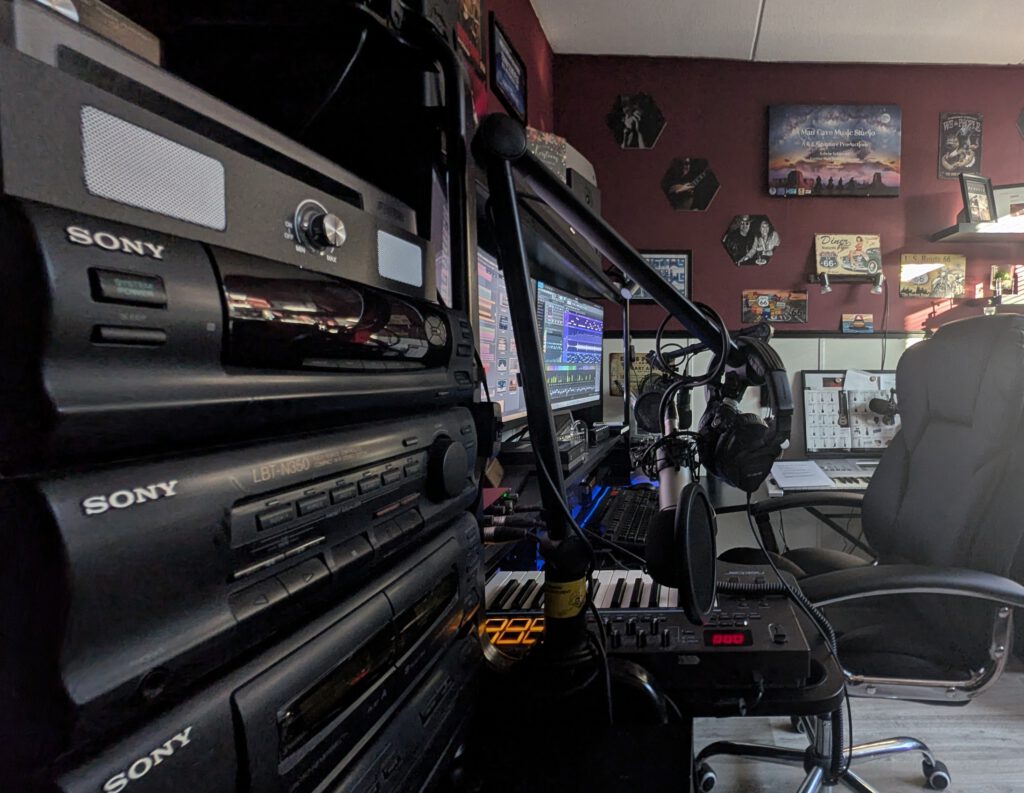
So far my introduction of myself and my Home Made music Studio. You can visit my Youtube Channel to listen to my own home made music. Subscribing is always welcome. Youtube Channel: https://www.youtube.com/@EdwinSchieveld
Of course, I also have my own Facebook group page. You can sign up to join. Facebook link: https://www.facebook.com/groups/501786913815350
Many Thanks for visiting my website. Most appreciated.
Best Regards Edwin Schieveld